Choose the secure location
Put the physical document where it belongs before creating the clue.
A passport, certificate, warranty, or household record belongs somewhere secure. StashPin can hold the small location clue that helps you return to that place later.
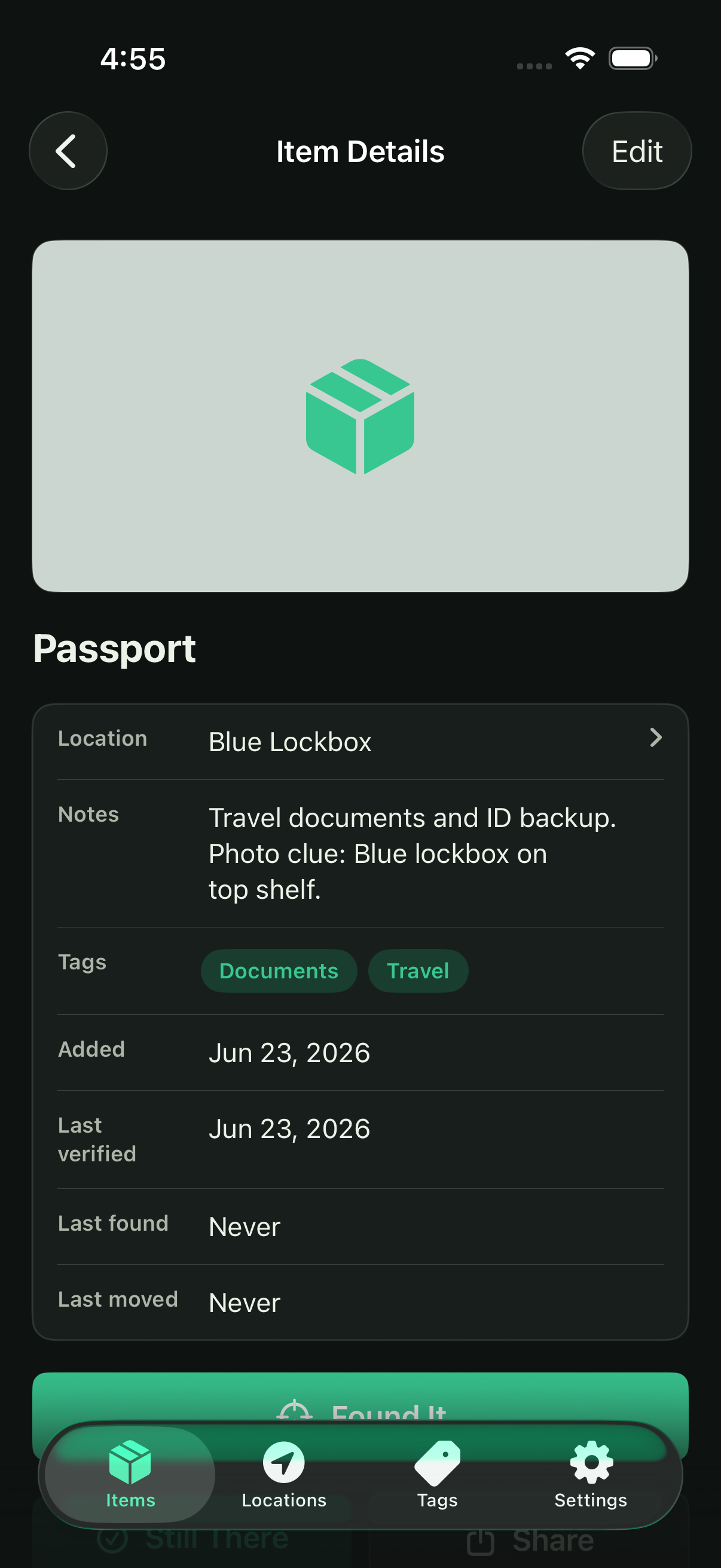
A physical-document clue can stay simple and specific.
Use a general item name and the storage route you need: “Passport — blue lockbox, office cabinet, top shelf.” The goal is to find the physical document, not to copy sensitive numbers or the full contents into a note.
Focus on papers that are important, rarely used, or stored away from everyday files.
StashPin is local-first, but the details you enter still deserve care.
StashPin does not use accounts, in-app advertising, analytics, or tracking. A local copy stays on your device. If you opt in to Personal iCloud Sync with Stash Pin Unlimited, Personal content is also stored in your private Apple CloudKit database.
Put the physical document where it belongs before creating the clue.
Name the item or category, then the room, container, and shelf you need.
Update the location whenever the document is returned somewhere new.