1
Save the item
Add the item, where it lives, and any alternate names.
Save the item, its location, and the clue that will jog your memory. StashPin keeps it on your iPhone, ready when you need it.
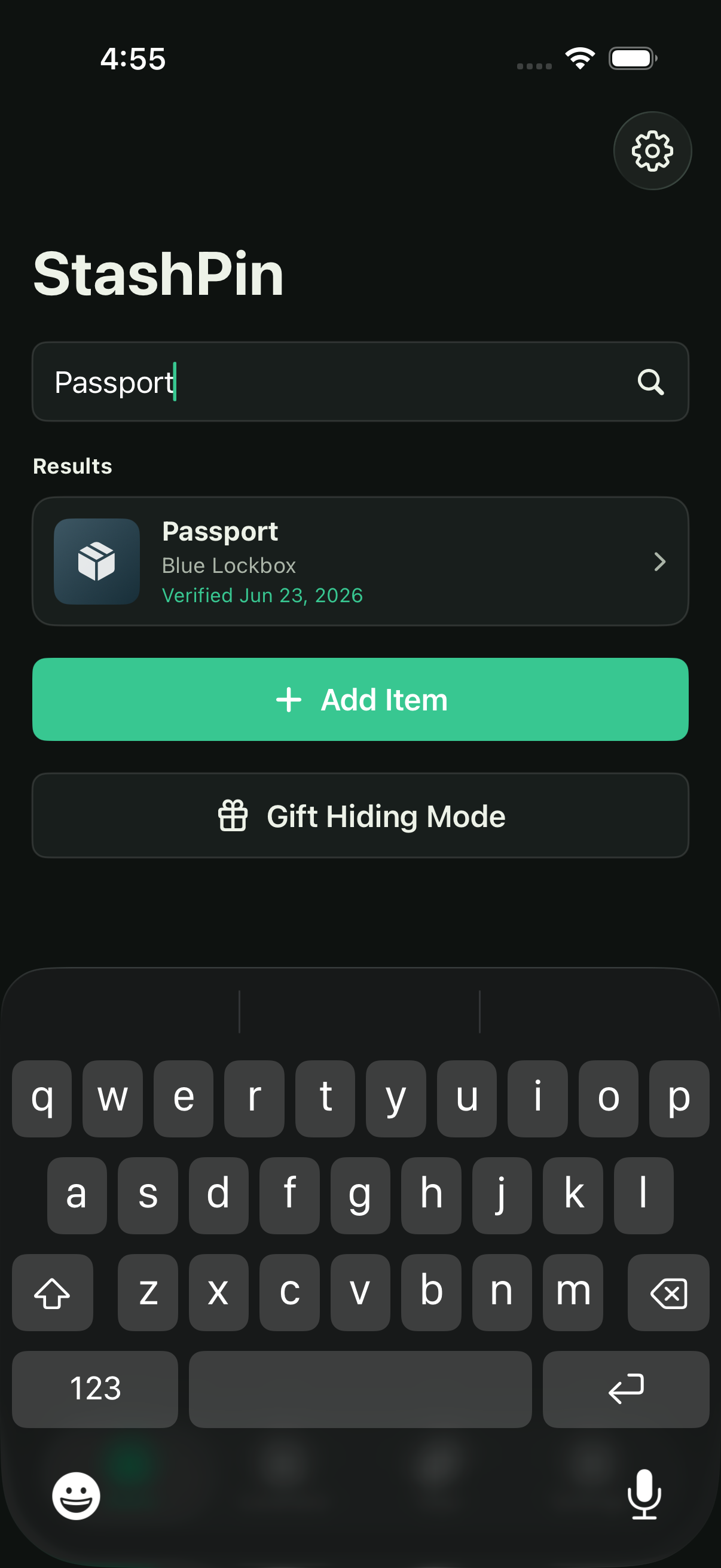
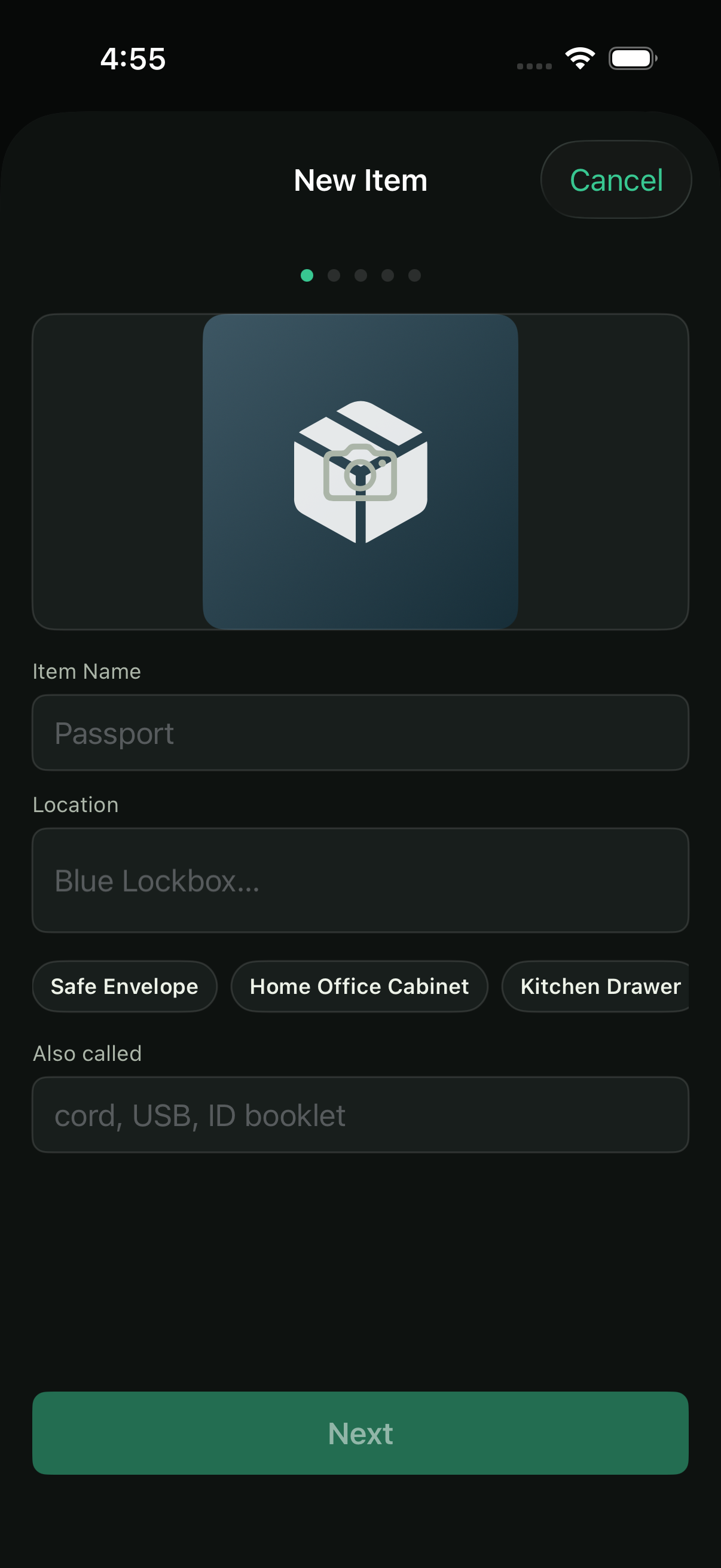
Add the item, where it lives, and any alternate names.
Note the details that will jog your memory later.
Find it by item, location, tag, note, or alternate name.
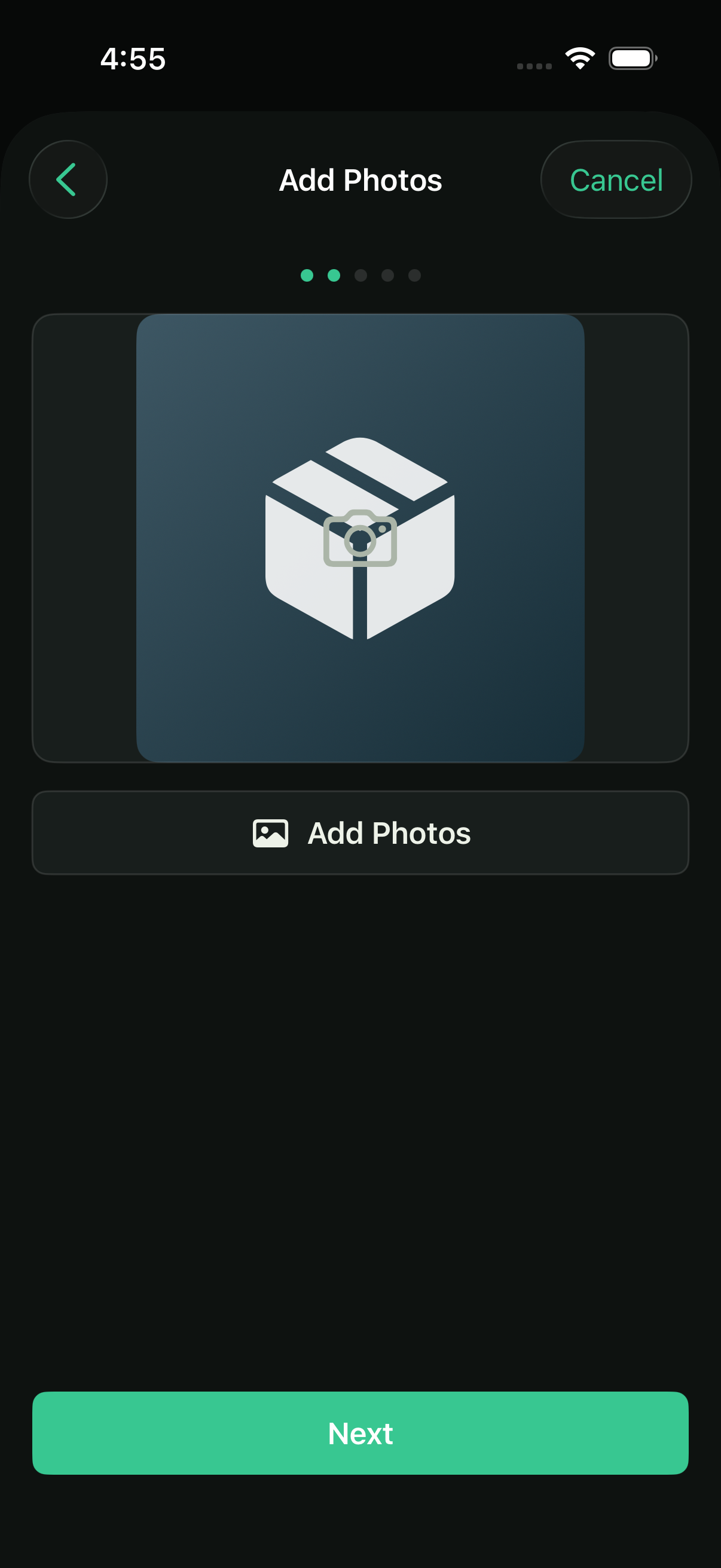
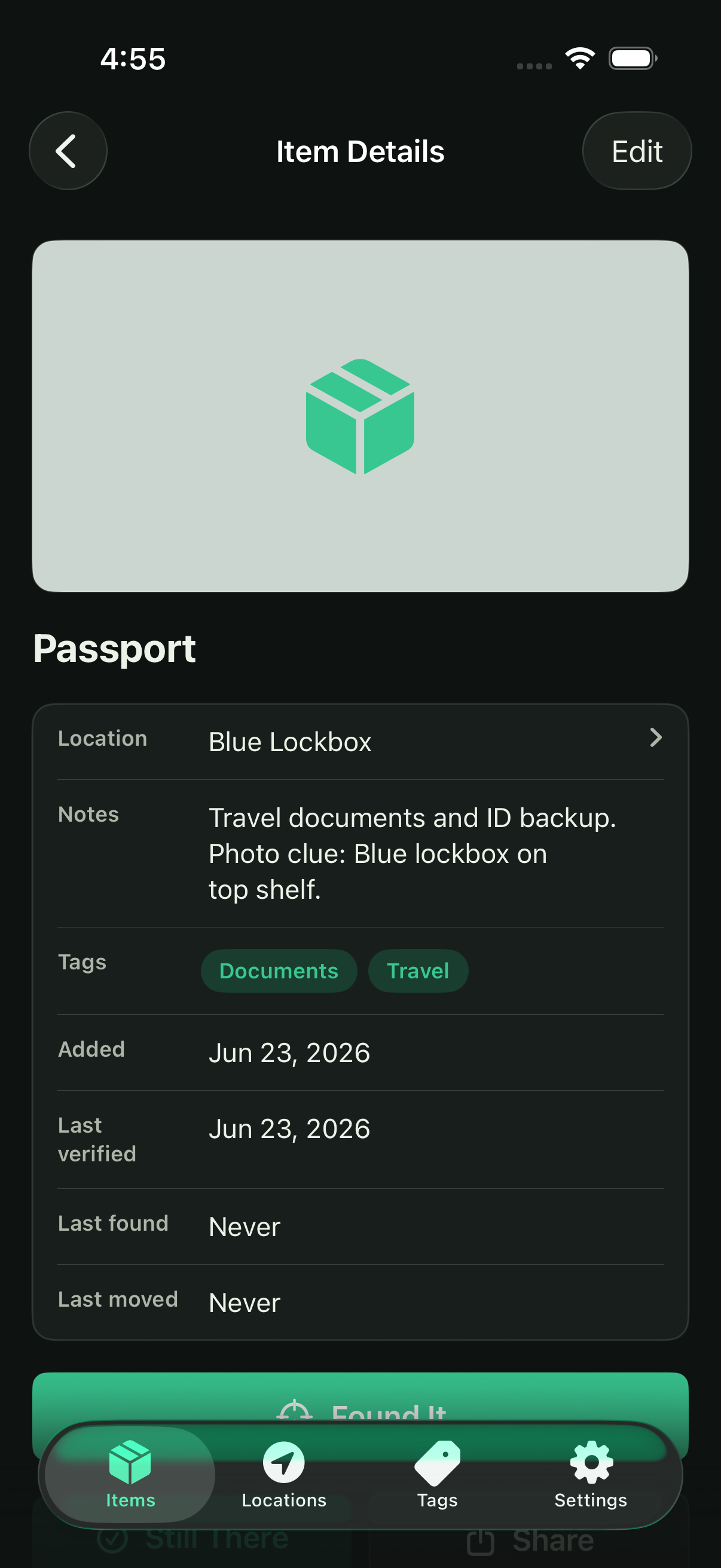
A location is useful. A photo, note, tag, or alternate name makes it memorable. Save the details that match how you actually think.
Keep a visual clue with the item or location.
Write down the detail you will wish you remembered.
Search using the words that come to mind later.
StashPin is local-first. There is no account, no in-app advertising, no analytics, and no tracking. You choose when to create or share a backup.
Read the privacy policy
Use StashPin for the objects that are easy to store and surprisingly hard to find.
StashPin keeps a local copy on your device. If you opt in to Personal iCloud Sync with Stash Pin Unlimited, Personal content is also stored in your private Apple CloudKit database.
No. StashPin does not require an account and does not use in-app advertising, analytics, or tracking.
Yes. You can keep up to 10 active items for free. Unlimited items are available through an optional subscription in the app.